In Exchange 2016 occasionally the ECP (Exchange Control Panel) page will not load correctly. Luckily, if this is your issues we can repair it in a quick and easy way.
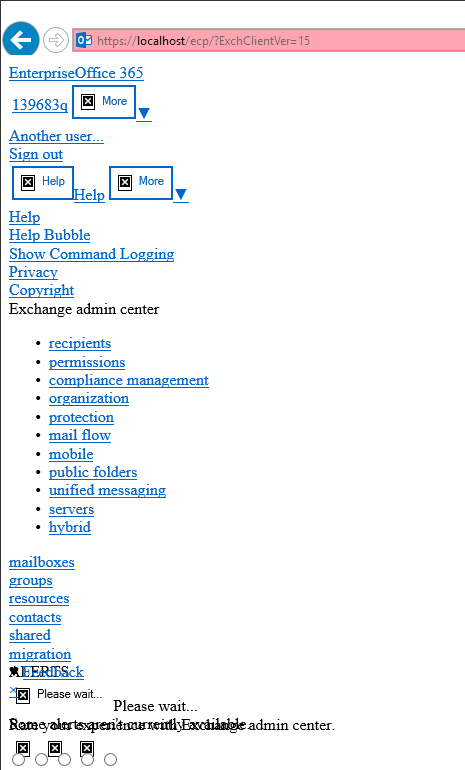
This is probably due to an auto-update or a restart of your 2016 Exchange server.
To fix the issue, first go to the following path:
C:\Program Files\Microsoft\Exchange Server\V15\ClientAccess\ecp\
You probably have a couple of folders there starting with 15.1.xxxx.xx, take a copy of the two most recent folders. You can tell by the “Date Modified” column.
Copy the contents of the older folder to the most recent one.
Hit refresh on your ECP page and all should be working fine again. You could do an iisreset to be certain but it shouldn’t be necessary.
If you liked this post, learned some new things or this article helped you out please think about giving a one time donation at the Donation Page to keep the site online!
 Kiwi Place
Leave a comment